How to Use AI for Pixel Art (Without Losing Control)
A practical, honest workflow for using AI in pixel art. How to prompt for sprites, when to generate versus hand-draw, how to refine with conversational edits instead of re-rolling, and how to stay in control of the result.
AI is useful for pixel art when you treat it as a fast assistant and keep your hand on the wheel. It is a problem when you let it drive, because the output drifts into generic "AI slop" that does not match your game and cannot be edited cleanly. The whole skill is staying in control. Here is a workflow that does.
Know what AI is good at, and what it is not
Be honest about the division of labor. That is what keeps the result yours.
AI is genuinely good at:
- Blocking out a first draft so you are not staring at a blank grid.
- Generating quick variations of an idea to compare.
- Filling in tedious, low-stakes regions.
- Proposing a coherent color palette from a description.
- Roughing out animation frames you then clean up.
Hand-editing still wins at:
- The last ten percent that makes a sprite read: the eyes, the key highlight, the one pixel that fixes the silhouette.
- Tiny sizes, where every pixel is a deliberate choice.
- Your signature style and the details that make a character recognizably yours.
- Precise, repeatable cleanup that you want exactly so.
The goal is not to get a finished sprite from a prompt. It is to get a strong draft fast, then finish it yourself.
Prompt for pixel art specifically
Generic prompts give generic results. A few habits sharpen the output a lot.
- Name the subject and the size. "A green slime, 16×16" beats "slime." The size is part of the request.
- Describe the silhouette and key features, not the rendering. "A knight facing forward, tall helmet, blue cloak" gives the model real shapes to work with. Avoid words like "detailed" or "4k," which mean nothing here.
- State the view. Front-facing, side view, top-down, or isometric. Ambiguity here is where sprites go wrong.
- Set the palette intent. Decide whether the AI should stay inside your existing palette for project consistency, or add a few subject-specific colors.
Generate at the size you will ship
Ask for the exact dimensions you need and generate there. Do not generate large and shrink, because shrinking reintroduces the blur and the off-grid colors you are trying to avoid. A grid-native tool draws at the real size, so a 16×16 request is exactly 16×16, with one color per cell.
Refine by editing, not by re-rolling
This is the most important habit, and it is where most AI tools fall down.
When a result is ninety percent right, do not regenerate and gamble on getting the good parts back. Describe the change you want to the sprite that already exists:
"Make the helmet taller." · "Recolor the cloak to red." · "Add a glowing outline."
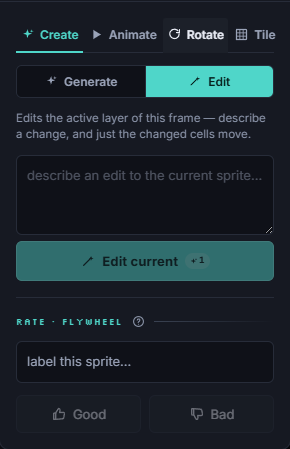
A good edit changes only the cells you asked about and leaves everything else untouched. That is the difference between directing the model and fighting it. Re-rolling throws away the parts you liked. A surgical edit keeps them.
If a tool can only regenerate the whole image, you do not really have control, you have a slot machine. Look for conversational, targeted editing.
Treat the output as a draft you own
Once the draft is close, switch to the pencil. Fix a stray pixel, sharpen a highlight, clean an edge, adjust the eyes so the expression lands. Because the AI drew true pixel art on the grid, hand-editing is seamless: the AI and your tools write to the same document, and undo spans both. You are not importing an image and tracing over it. You are continuing the same sprite.
Stay in control
A few rules keep the work yours rather than the model's:
- Keep your own palette. Lock it so the AI works inside your colors instead of drifting into a new set every generation.
- Work small and iterate. A short prompt, a quick edit, another edit. Small steps are easier to steer than one giant request.
- Know when to stop asking. When the change is faster to make by hand than to describe, just draw it. Two pixels do not need a prompt.
- Judge by readability, not by effort. If the sprite reads at real size and matches your set, it is done, however you got there.
A workflow that keeps you in charge
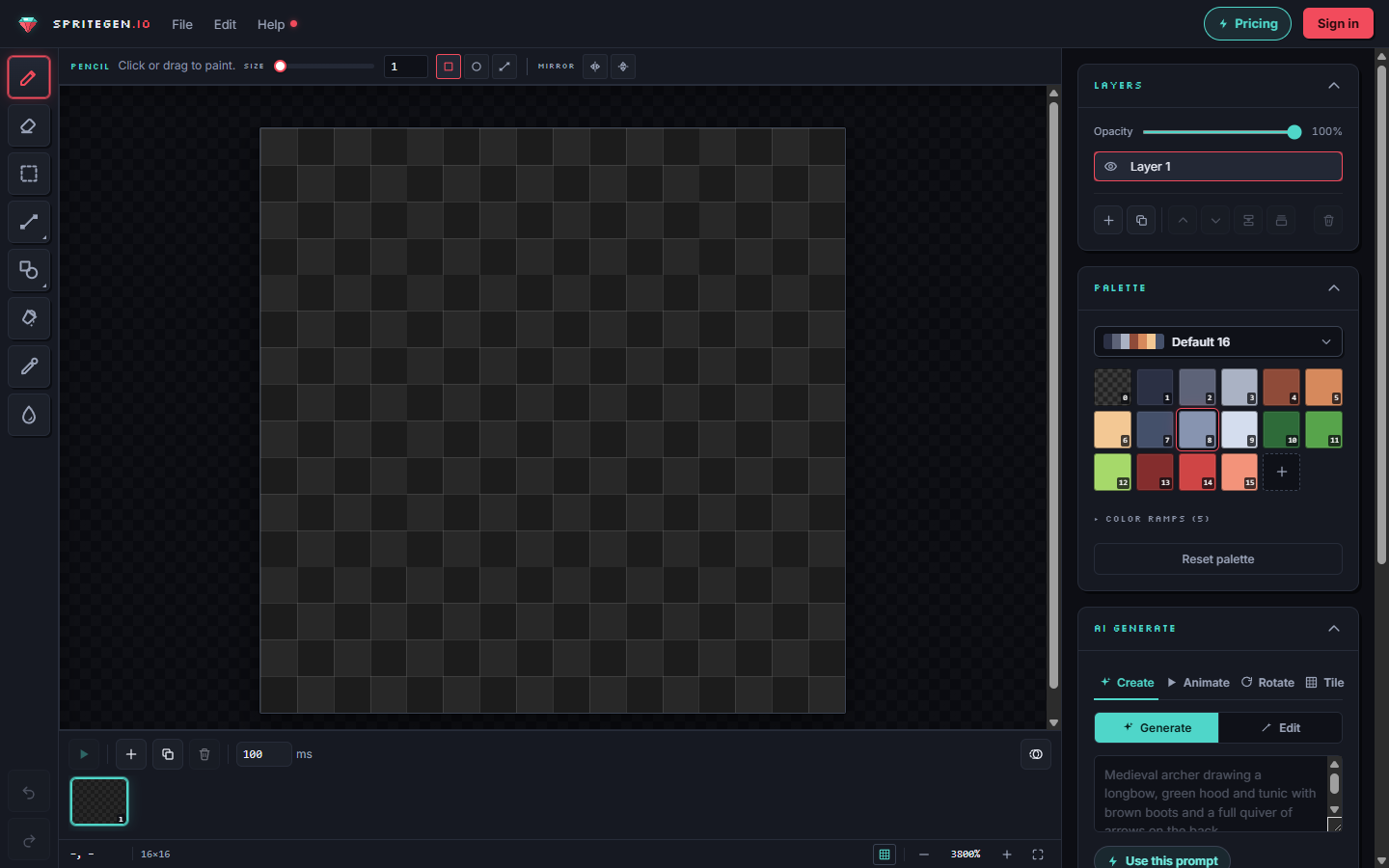
SpriteGen is built around this hand-off. Set your canvas size and palette, generate a draft on the real grid, then refine it by hand or by asking for one specific change at a time. You can attach a reference image to keep a project consistent, drop the AI's work onto its own layer, and rough out animation with a motion preset before cleaning the frames yourself. The hand tools and the AI are the same document, so you move between them freely.
Used this way, AI does the boring eighty percent in seconds, and you spend your time on the twenty percent that actually makes the sprite good. That is the version of AI pixel art worth using.
Make it in SpriteGen, truly free
Hand-draw on a real grid or generate sprites with AI. No sign-up needed to draw and export — a free account adds 10 AI credits a month.